
Security
Written for the people reviewing the installation.
- Read-Only Access
- No Credentials, No Outside Calls
- Personal Data
- What Deploying Changes
- Isolation and Removal
Read-Only Access
The app’s OAuth 2 application has only these scopes:
| Scope | Used for |
|---|---|
Liferay.Headless.Admin.Site.everything.read |
Sites, master pages and page templates |
Liferay.Headless.Admin.Taxonomy.everything.read |
Vocabularies, categories and tags |
Liferay.Headless.Admin.User.everything.read |
Sites, and user accounts for Users & Access |
Liferay.Headless.Admin.Workflow.everything.read |
Open approvals |
Liferay.Headless.Delivery.everything.read |
Pages, content, documents, blogs, knowledge base, message boards and wiki |
Liferay.Headless.Form.everything.read |
Forms and their submission counts; submission contents aren’t read |
Liferay.Object.Admin.REST.everything.read |
Custom object definitions; object entries aren’t read |
Liferay rejects any write request made with the token, whatever the user’s own permissions are.
No Credentials, No Outside Calls
- No password is entered or stored. Liferay’s own OAuth 2 client gets a short-lived token for the signed-in session, with the authorization-code flow and PKCE.
- No data leaves Liferay. The app’s code, fonts and styles are served by Liferay from the client extension. It calls only this instance’s
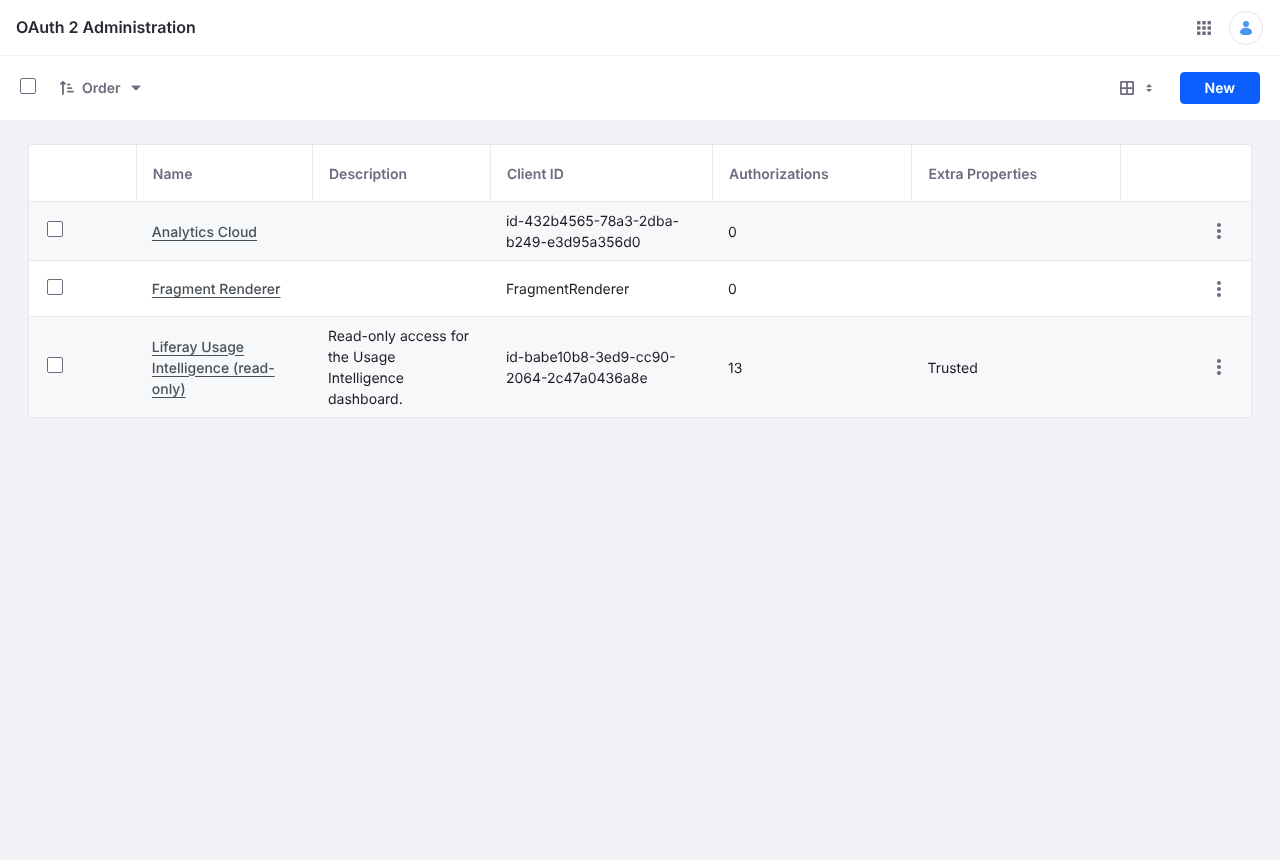
/o/headless-*and/o/oauth2/*endpoints, and has no telemetry. Export downloads files to the user’s own browser. - Auditable. API calls are made as the signed-in user, so Liferay’s logs attribute them to that user. Issued tokens are listed in OAuth 2 Administration.
Personal Data
Users & Access shows account names, email addresses, status and sign-in dates, which Liferay already shows administrators. Liferay’s lastLoginDate is the sign-in before the latest one, so check an account before deactivating it. The user running the scan is never reported as dormant.
What Deploying Changes
Liferay’s site initializer creates the Usage Intelligence site and its one page, as an administrator, only when the zip is deployed. It changes nothing else, and the dashboard itself never writes.
Isolation and Removal
- All of the app’s styles are scoped to its own element, so it can’t restyle the rest of the page.
- Undeploying the client extension removes the dashboard and the OAuth application, which revokes its access. Delete the Usage Intelligence site to remove the page.