
Liferay Migration Studio
Coming soon. These pages describe a tool in development. There’s nothing to download yet.
Move content from systems with an API into Liferay DXP. You map the source to Liferay in a web UI, check every request with a dry run, load, then validate the result against the source. Loads can be stopped and re-run without creating duplicates.
Who It’s For
- Liferay customers moving to the new CMS in Liferay DXP 2026.Q1 and later, from classic Web Content in Liferay DXP 7.3 and later.
- Teams replacing another system with Liferay, such as SharePoint discussion boards with Liferay Forums.
- Partners and consultants who run migrations for customers and want the same repeatable, checkable process each time.
What It Migrates
| Migration | Tested | Guide |
|---|---|---|
| Liferay Web Content (DXP 7.3 and later) → the new CMS in 2026.Q3 | On real Liferay, from 7.3, 2024.Q1 and 2025.Q1 | Liferay Web Content to the New CMS |
| A whole Liferay site (DXP 7.3 and later): people, authors, blogs, knowledge base, wiki, message boards, comments, permissions → the new CMS in 2026.Q3 | On real Liferay, from 7.3 | A Whole Liferay Site to the New CMS |
| SharePoint Server discussion boards → Liferay Forums | Against a simulated SharePoint Server 2016, into real Liferay Forums | SharePoint Discussions to Liferay Forums |
| Other systems with a REST API, or CSV files | With test servers only | How It Works |
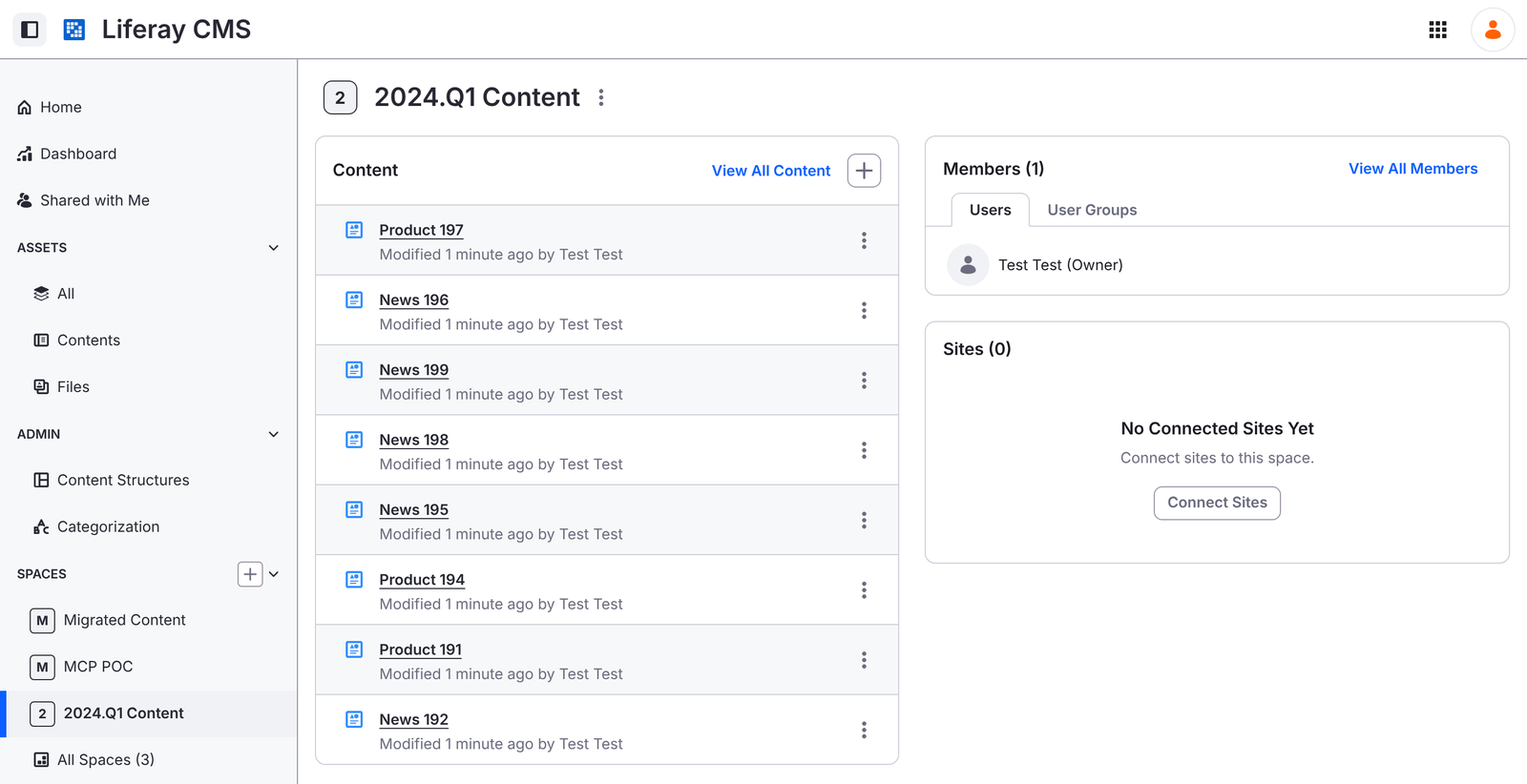
Tested on real Liferay, from 2024.q1.32 to 2026.q3.9 (a sandbox with sample content): all 200 articles in
English and Spanish, 14 documents, 3 structures and a 3-level category tree loaded with no errors; validation read
100 articles back from Liferay and found no differences; and running the load again changed nothing.
How It Works
- Connect the source and your Liferay DXP. Migration Studio checks that the target is Liferay DXP.
- Extract the source into Migration Studio’s own staging area. It resumes where it stopped.
- Map what goes where in the UI, or start from a ready-made project and adjust it.
- Run order is worked out for you from the mappings: categories after their vocabularies, articles after the documents they use, replies after the posts they answer.
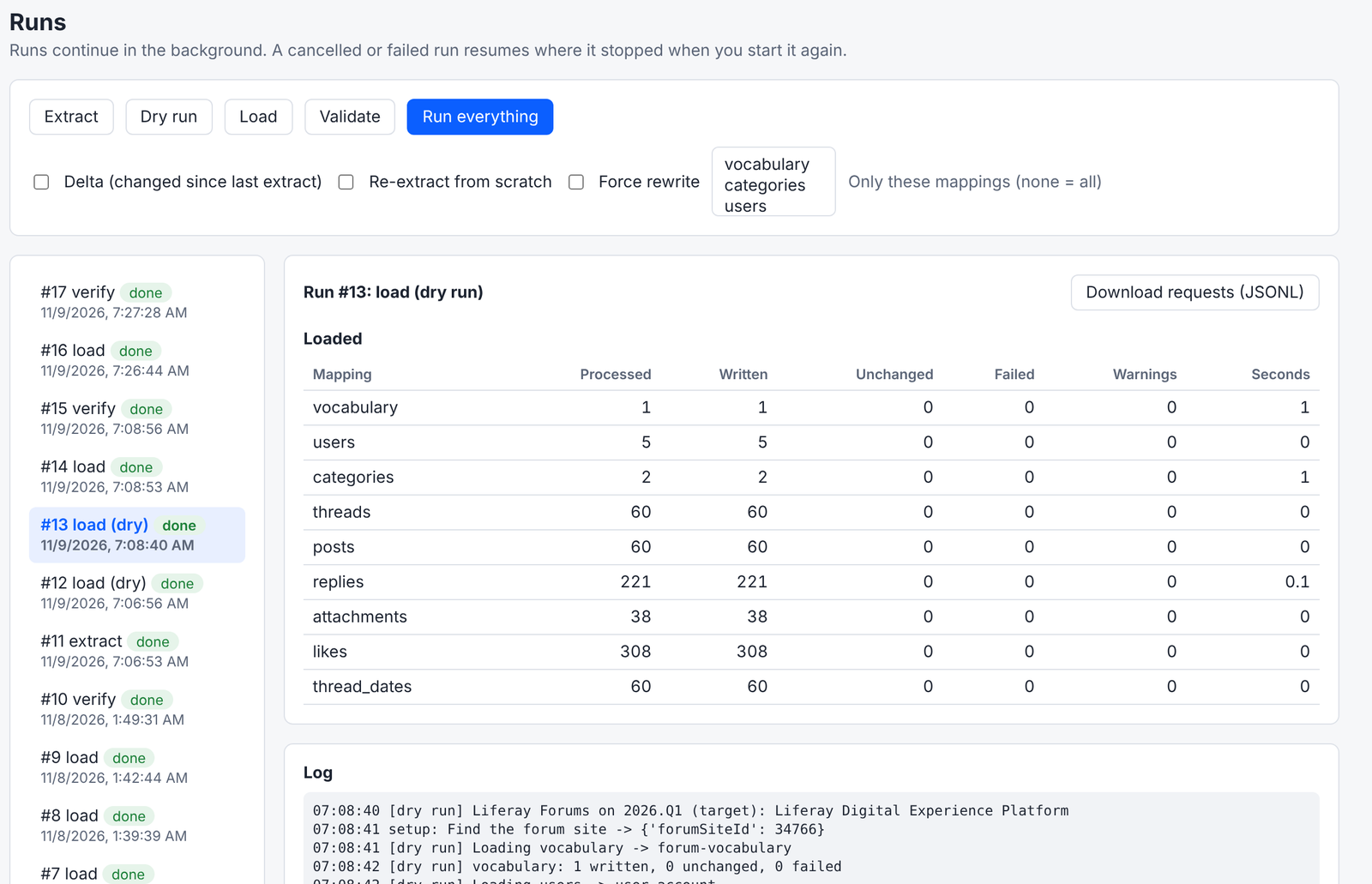
- Dry run prepares every request without writing anything.
- Load in parallel chunks. Re-runs update instead of duplicating, and a delta load at cutover writes only what changed.
- Validate: counts, a field-by-field comparison of records read back from Liferay, and records whose related records weren’t migrated.
How It Works walks through each step with screenshots.
Optional AI Help
Everything works without AI. With an AI model of your choice, a hosted one or one you run yourself, Migration Studio can suggest field mappings, explain why records failed validation, and answer questions about a migration in a chat that can dry-run but only proposes loads for you to confirm. See AI Help.
Requirements
- Liferay DXP 2026.Q1 or later as the target. Liferay Community Edition isn’t supported.
- Docker, on a laptop or a server, with network access to the source and to Liferay.
- An account on the source that can read what you’re migrating, and a Liferay administrator account.
Read Security and Data for where it runs, where data goes, and its safeguards.