
Security and data
Preview. Liferay Migration Studio is in development. Details can change before release.
Where It Runs
Liferay Migration Studio is a Docker container that runs on your own infrastructure: a laptop for one person, or a server for a team. There’s no hosted service and nothing to sign up for.
Where Your Data Goes
- Only to the systems you connect. Studio reads from the source connections and writes to the Liferay DXP target. It makes no other connections, apart from the AI model if you set one up.
- AI is off until you connect a model. If you use a model you run yourself, nothing leaves your network. See AI help for what a model can see.
- Staged data stays with Studio. Records and files read from the source are kept on Studio’s own disk, and its project data in its database (built in, or PostgreSQL on a server). Deleting a project removes both.
Credentials
- Keep passwords and keys in environment variables on the server, and refer to them by name
in a project, such as
env:LUMT_TARGET_PASSWORD. Exporting or sharing the project then never includes them. - Give the source connection read access only. The target connection needs to write only the content being migrated.
Access
- On a laptop, Studio listens only on your own machine.
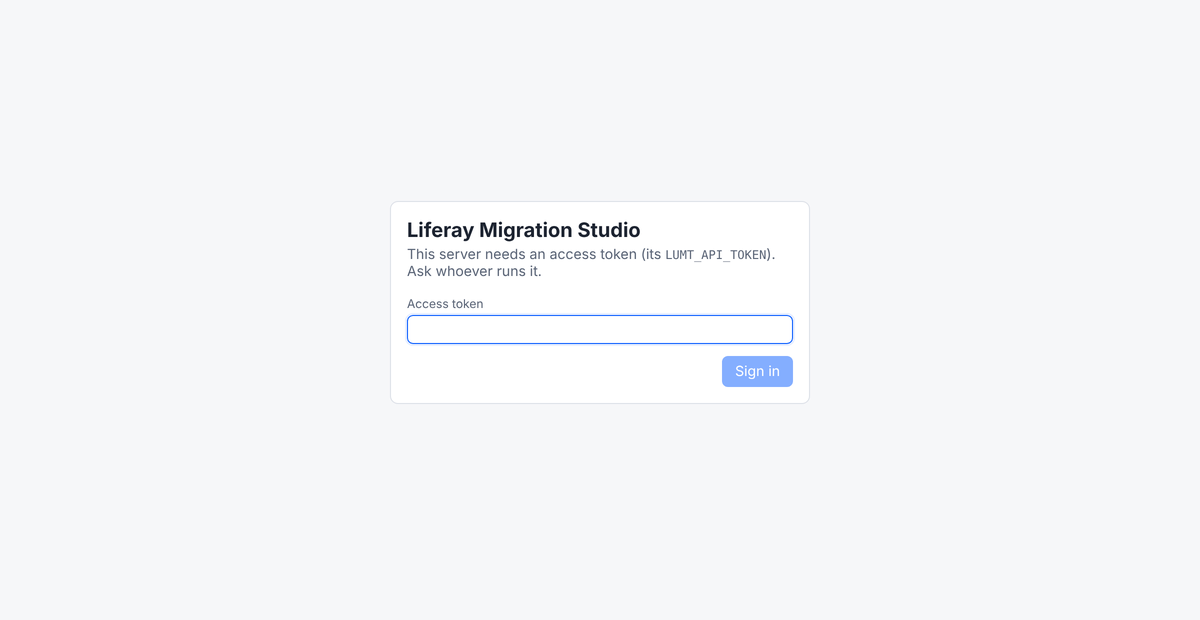
- On a server, an access token protects the web UI, the API and the MCP server. Studio warns if it’s reachable on a network without one. Put HTTPS in front of it.
Safeguards
- Dry runs show every request a load would send, without writing anything.
- The built-in AI chat can’t load. It can only propose a load, which runs when a person confirms it.
- AI assistants connected over MCP start dry runs by default. A real load has to be asked for explicitly, and assistants such as Claude ask you before running a tool that can write.
- Re-runs are safe. Every migrated record has a stable external reference code, so running a load again updates records instead of duplicating them.
- Liferay DXP only. Studio checks the target before loading and refuses Liferay Community Edition.
- The container runs as an unprivileged user.